How to Run Effective Small-Group Discussions Online
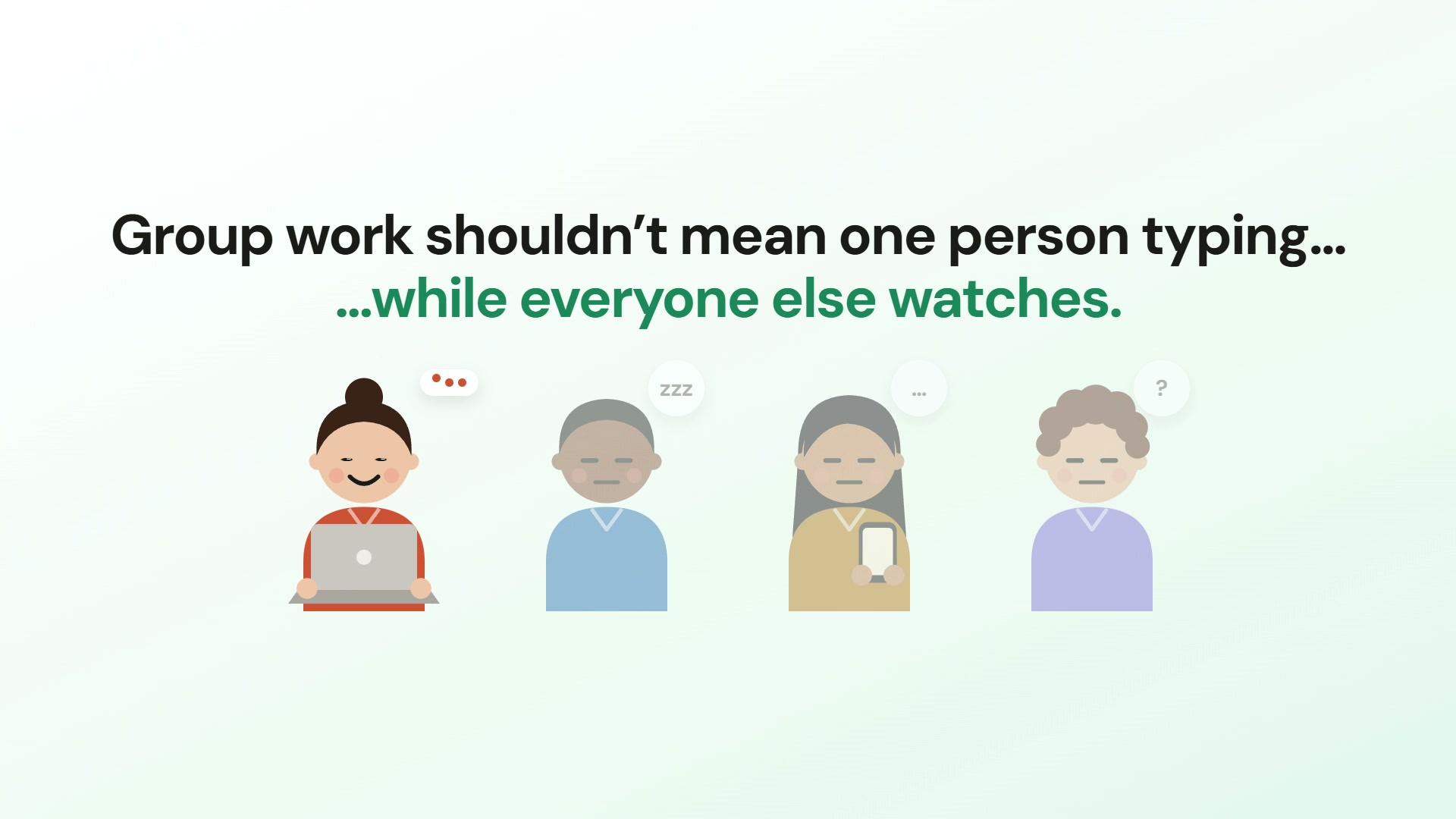
“Discuss this in your groups” is one of the easiest instructions to give and one of the hardest to get right. Left unstructured, group discussion drifts — one person talks, two check their phones, and the rest wait for it to end. With a little structure, the same activity becomes the richest part of your lesson. Here’s how to run small-group discussion that actually works.
Keep groups small
Three to five is the sweet spot. Below three and a quiet pair stalls; above five and someone always disappears. Smaller groups mean more airtime per person and nowhere to hide — everyone has to contribute.
Write a prompt that can’t be answered in one word
A good discussion prompt has tension in it. Compare:
- Weak: “What is a risk in this project?”
- Strong: “Which single risk would you spend your whole budget preventing — and what would you leave unprotected?”
The strong version forces a trade-off, and trade-offs generate debate. Aim for prompts that make learners choose, rank, or defend a position rather than just recall a fact.
Make thinking visible
Talk evaporates; a shared board doesn’t. When each group posts ideas to a live sticky-note board, quieter members can contribute in writing, everyone sees the group’s thinking take shape, and you get a record to review afterwards. It also lets you spot a stuck group at a glance instead of hovering.
Circulate — but from a distance
With every group’s board on one screen, you can “walk the room” without interrupting. Drop in where energy is low, leave the humming groups alone, and note contributions you want to surface in the whole-class debrief.
Always debrief
The discussion isn’t the payoff — the synthesis is. Pull two or three contrasting ideas from different groups, put them side by side, and let the class react. This is where private small-group talk becomes shared understanding.
Give the board some structure
A blank board invites a blank stare. Giving each group a few headed columns to post into tells them what kind of thinking you want before anyone has typed a word. Some structures that work for almost any topic:
- Pros / Cons / Questions — for evaluating a proposal or a source.
- What we know / What we’re unsure of / What we need to find out — for starting a new topic or a case study.
- Start / Stop / Continue — for reviewing a process, a project or a placement.
- Cause / Effect / Response — for incidents, history and anything with a chain of events.
Columns also solve the debrief before it starts: when every group has sorted its ideas under the same headings, comparing groups takes seconds.
Time-box it, and say the time out loud
Discussion expands to fill whatever time it is given. Short, visible deadlines keep groups moving — six to ten minutes is plenty for one good prompt. A countdown everyone can see does the nagging for you, and the last two minutes are usually when the best ideas get posted.
A three-stage rhythm works well inside that window:
- One minute alone. Everyone posts their own first thought before talking. This stops the first confident voice setting the direction.
- Five minutes together. The group reads the notes, argues, and adds to them.
- Two minutes to converge. The group votes for its strongest two ideas — these are what you take to the debrief.
Have something ready for the group that finishes early
There is always one. Keep an extension question in your pocket that pushes the same prompt further: “Now argue the opposite”, “Which of your ideas would fail first, and why?”, or “What would a critic of this group say?”. A follow-up prompt that arrives part-way through also restarts a group that has gone quiet.
What changes when the groups are online or hybrid
- Silence is ambiguous. In a room you can see a group thinking. Online, a board that isn’t moving is your only signal — so watch the boards, not the faces.
- Writing matters more. People who won’t unmute will type. A written board gives remote and quieter learners the same weight as the loudest person in the room.
- Mix the groups deliberately. In a hybrid session, put remote and in-room learners in the same group where you can, sharing one board. Otherwise the remote group becomes an afterthought.
- Give instructions twice. Say the task, and put it at the top of the board. Online, somebody always missed it.
Keep the record
The board is evidence of thinking, and it is worth more than the conversation that produced it. Share it back as a handout so learners can revise from what the whole class came up with, not only their own group — and keep a copy yourself. Next year’s version of the prompt gets better when you can see where this year’s groups got stuck.
ColabYard’s group discussion tool gives every group its own QR-code board, suggests AI prompts to get them started, and shows all boards on one screen so you can observe live. Pair it with a quick quiz to check what stuck.
Frequently asked questions
What is the best group size for a discussion?
Three to five. In a pair, one quiet person stalls the conversation; above five, someone can sit back without being noticed. Four is a good default because it still works if one person is absent.
How long should a small-group discussion last?
Six to ten minutes for a single prompt. That is long enough to get past first thoughts and short enough that groups stay on task. Longer tasks work better split into stages, each with its own short deadline.
How do I get quiet students to contribute?
Start with a minute of individual posting before any talking, so everyone has put something on the board. Written contributions carry the same weight as spoken ones, and a learner who has already posted is far more likely to speak.
What makes a good discussion prompt?
A trade-off. Prompts that ask learners to choose, rank or defend a position produce debate; prompts that ask them to recall or list produce a short list and then silence.
Watch it in action
Try it with your own learners
ColabYard is free for trainers. No student accounts needed — just a QR code.
Get started free →